
Shoes
Sneakers, boots and sandals, with photos to compare uppers, soles and the details in between.
Find something you like. See it a little closer.
Product photos, reference prices and a link to look further.
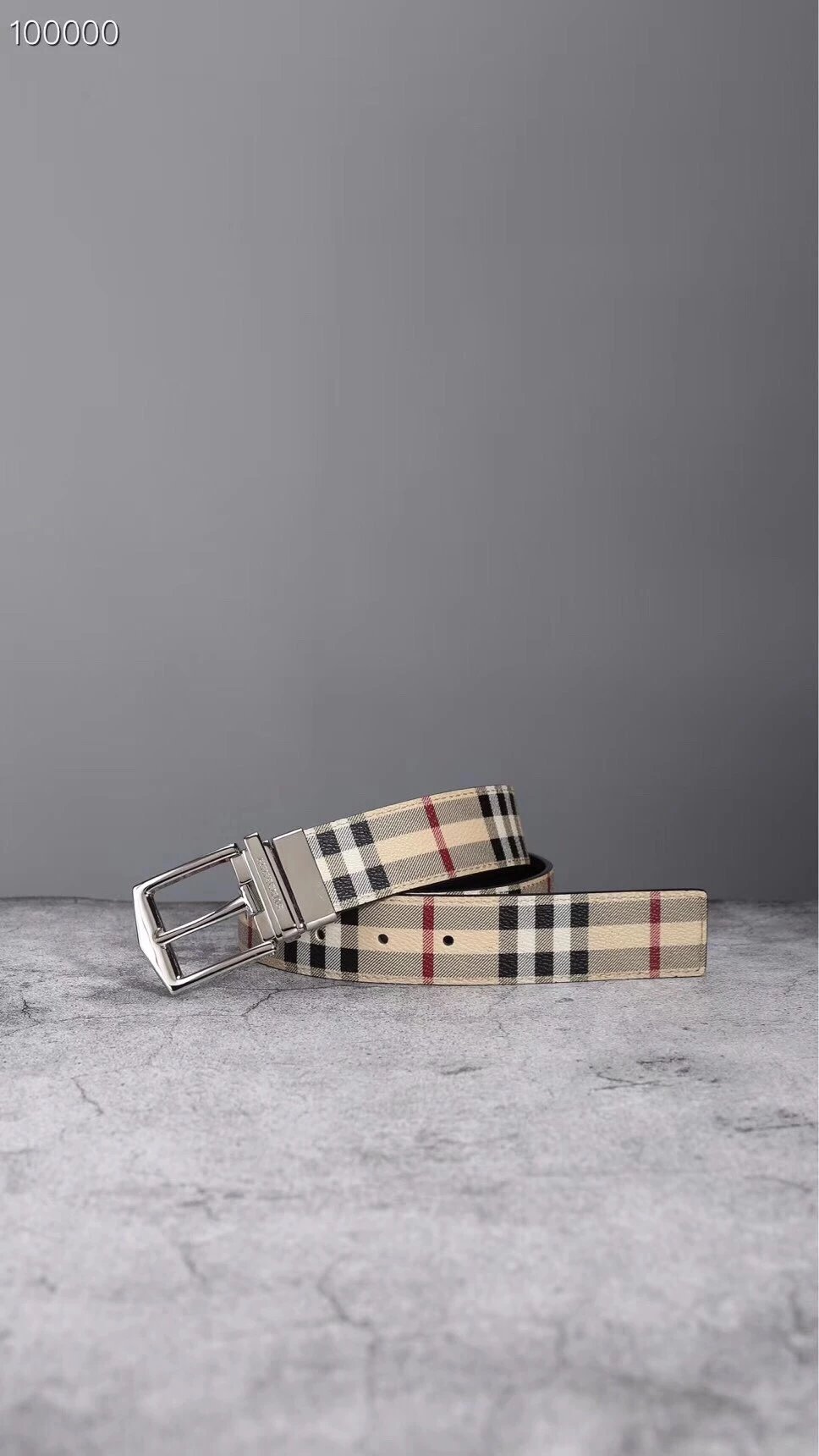
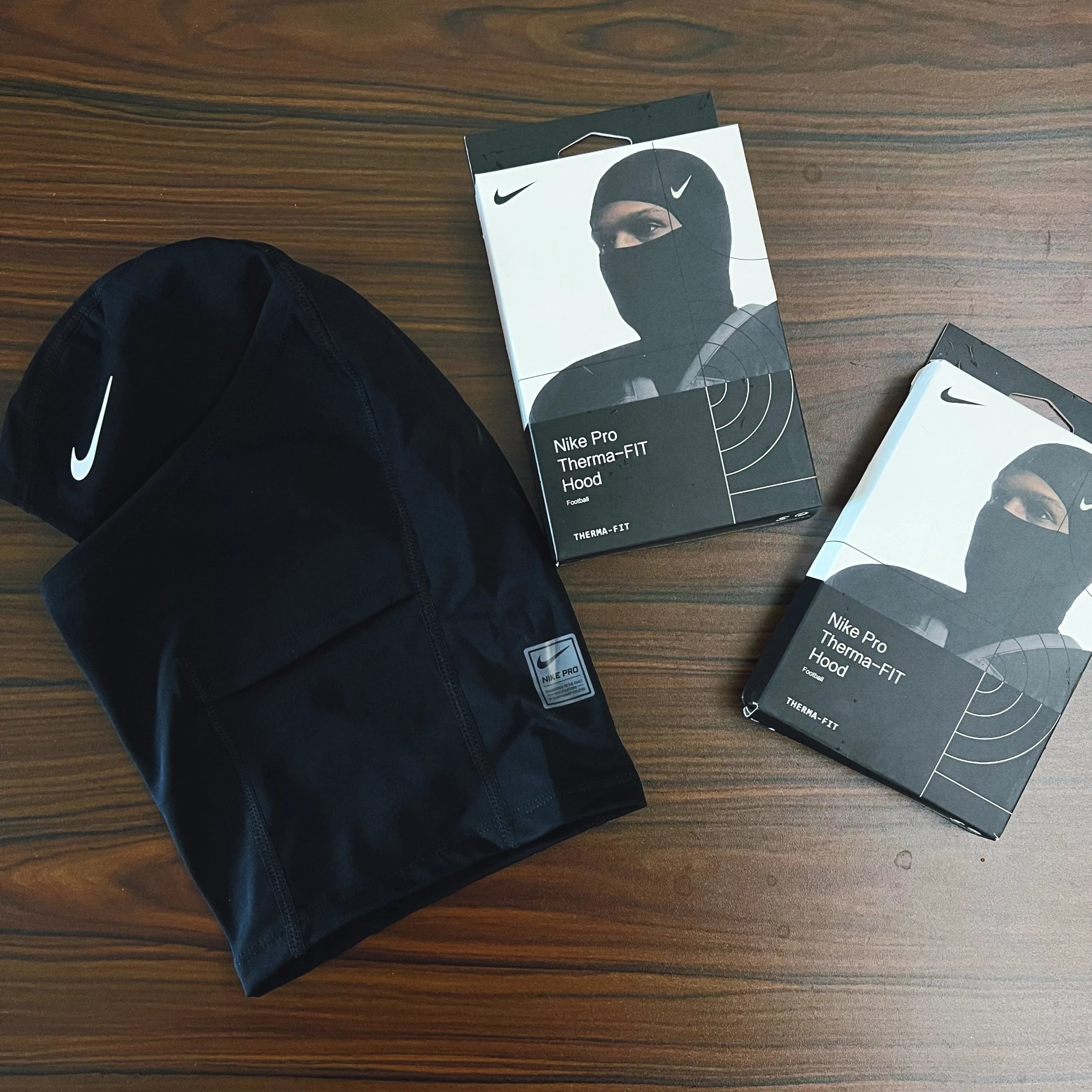
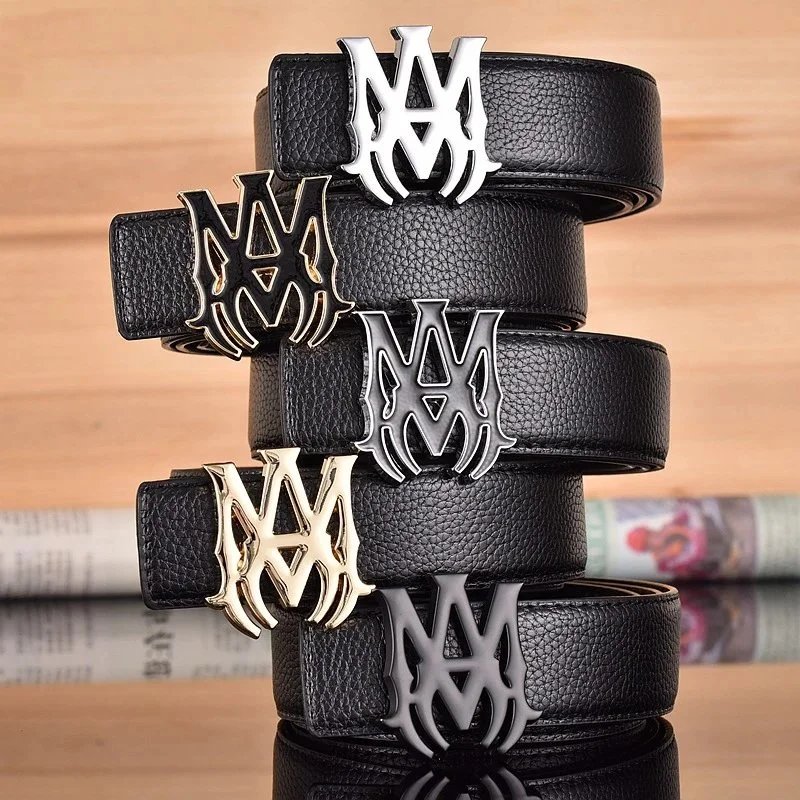
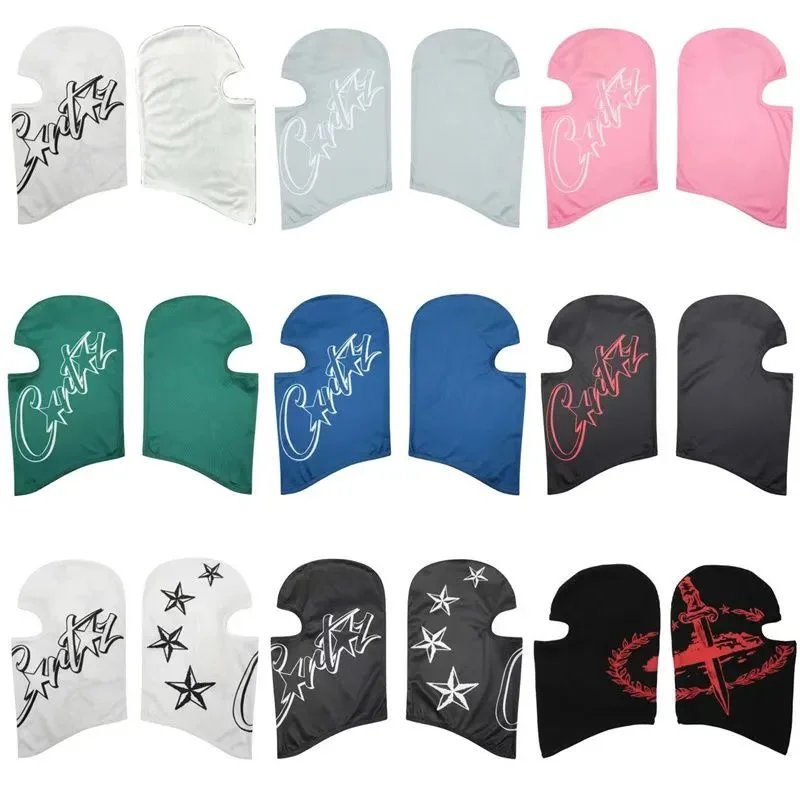
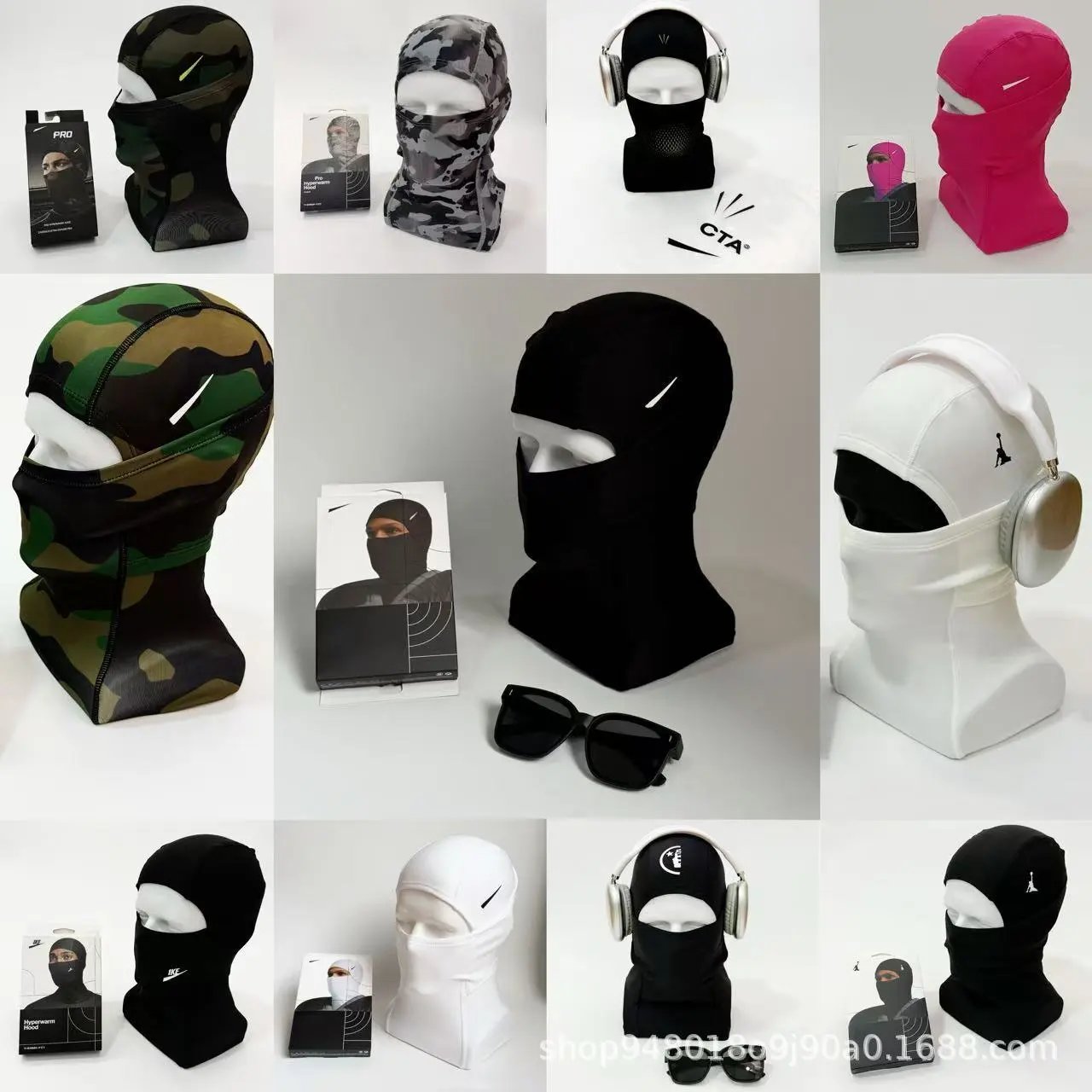
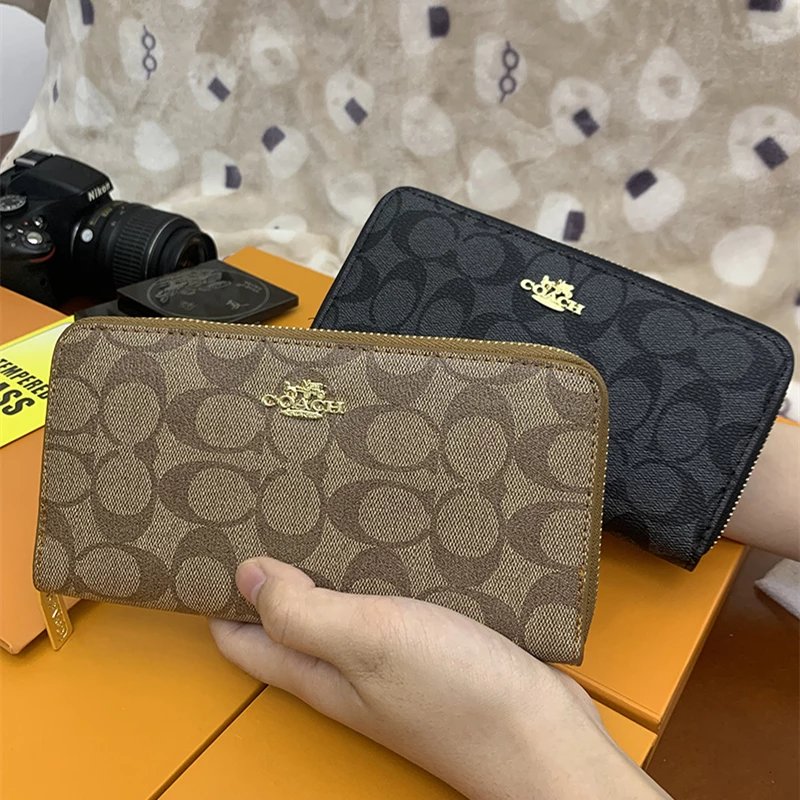
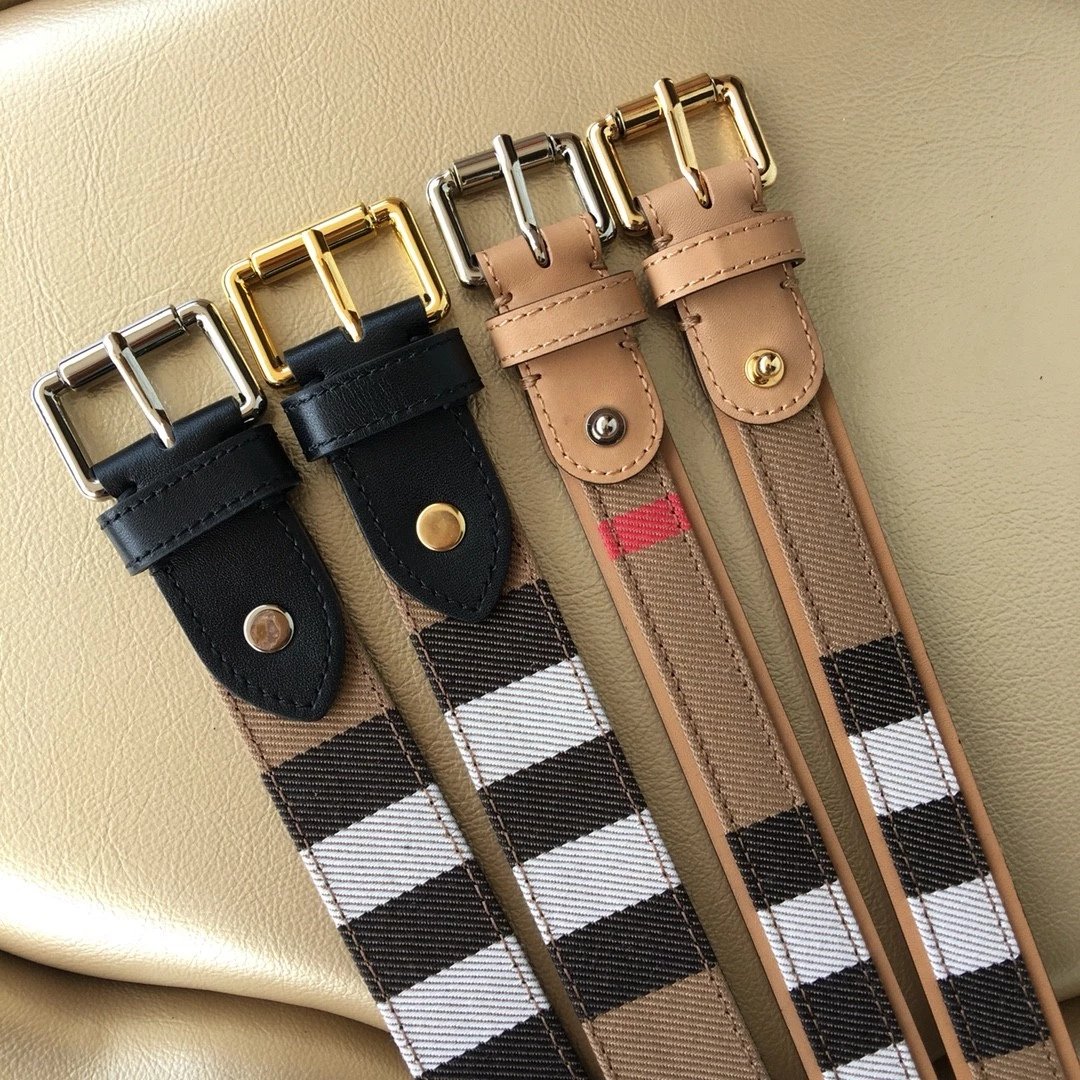
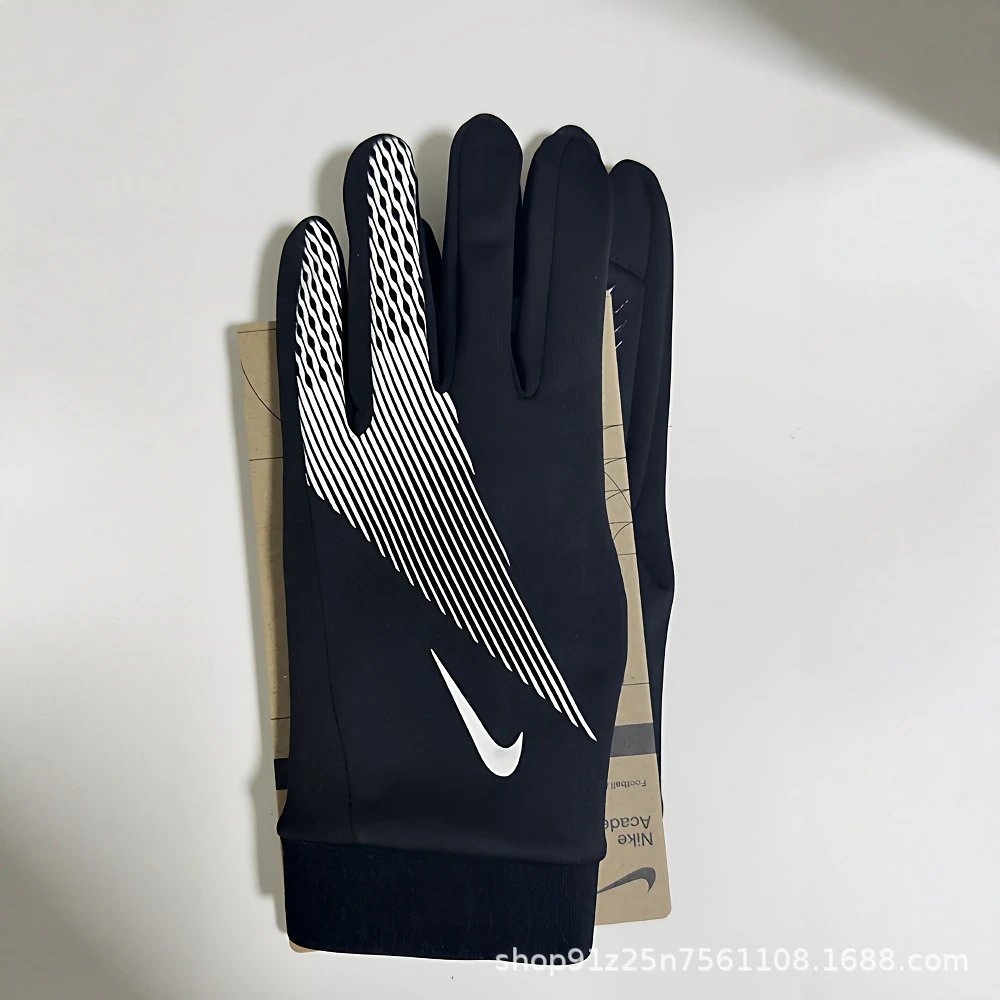

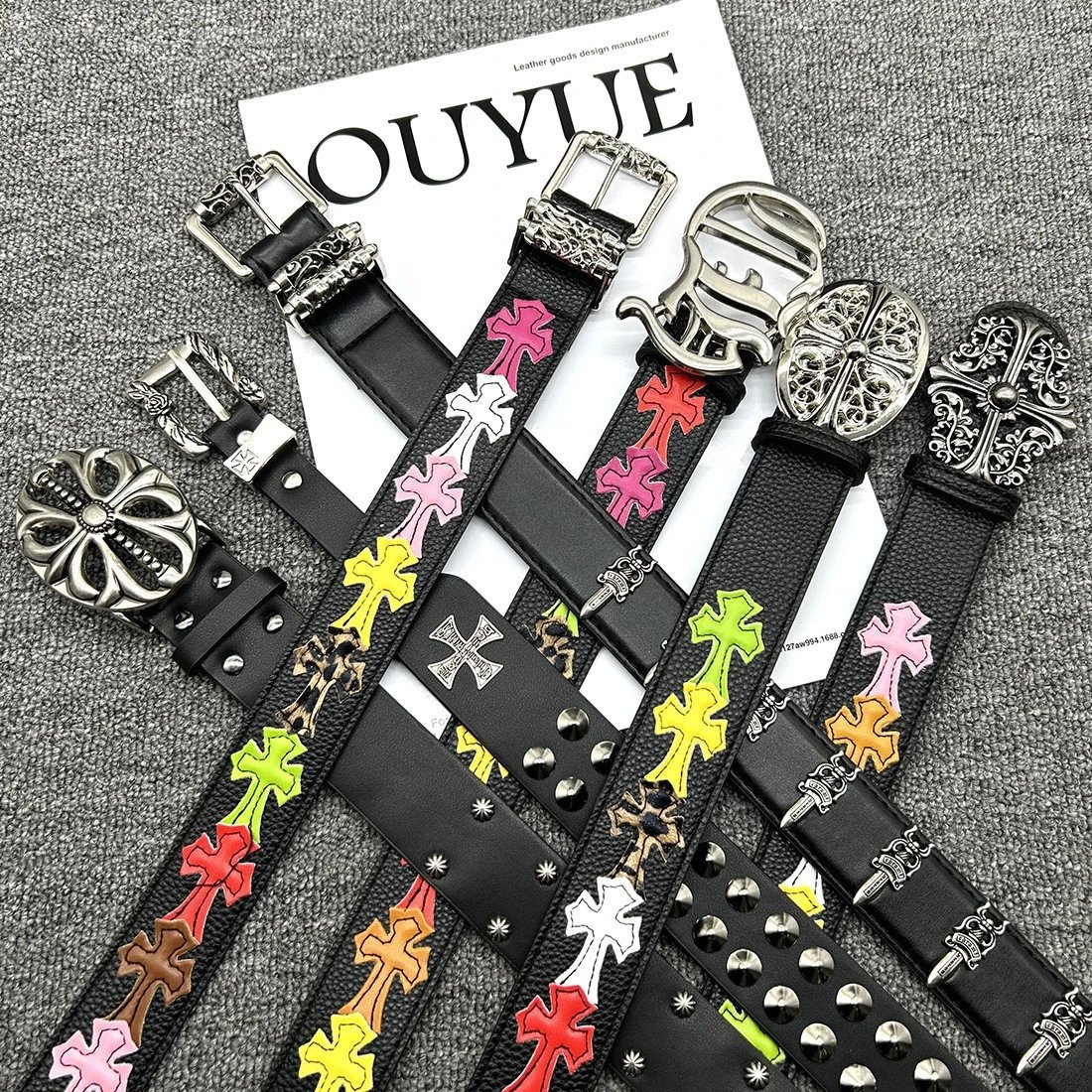

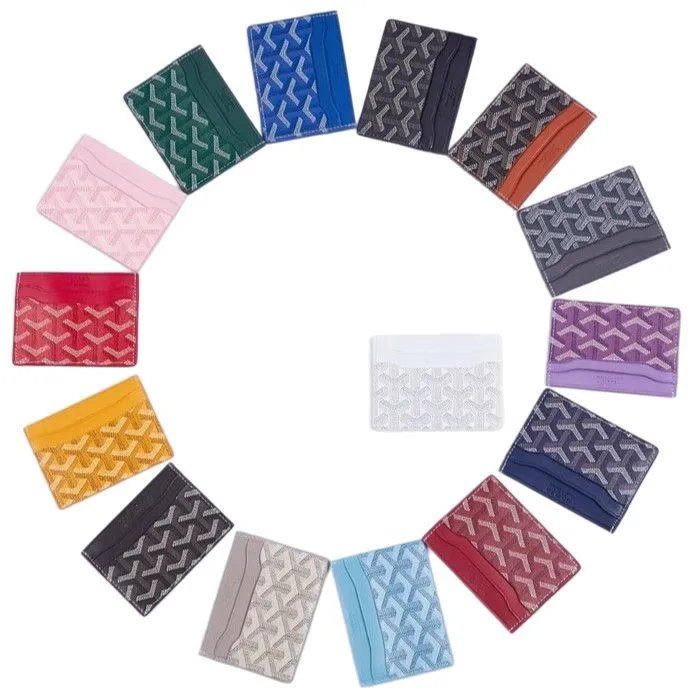
Sneakers, boots and sandals, with photos to compare uppers, soles and the details in between.
Find tees, hoodies, shirts and knitwear. Open a listing to compare its print and pictured styles.
Start with pants, shorts or skirts, then bring your choices into focus with brand and sort controls.
Browse jackets, coats and blazers before looking closer at collars, cuffs and available QC.
Explore coordinated pieces and check the source listing for what is included in each set.
Everyday underwear and socks, organized so you can follow a photo back to its listing.
Bags, hats and smaller essentials. Choose a specific type to spend less time on unrelated results.
Use appearance to find a starting point, then check the source description for specifications.
Other everyday finds, each with its own photographs and the original source to explore.
About the finds, the photos and your Superbuy links.
An independent Superbuy spreadsheet for finding products by name, category or photo. Each record brings together its listing images, reference price, available QC photos and the matching source link.
Search the product name or open Categories. Shoes and Tops lead to more specific collections such as sneakers and hoodies; the spreadsheet also has brand and sort controls to narrow your results.
Open Image search and upload, drop or paste a photo. Compare the resulting listings carefully: a similar-looking product is not necessarily the same source item.
Yes. Search terms, brand, category and sort order are kept in the page address. Selecting a different filter starts again from the first page of those results.
The QC section sits below the product gallery and pictured styles. These are existing reference photos associated with the source listing, not an inspection of your future Superbuy order.
Some listings have no QC references available. Their product photos remain in the main gallery, and the QC section states when it is empty rather than presenting seller photos as QC.
Click the main image or a QC reference to open the photo viewer. Page thumbnails fill their frames; the viewer shows the complete original photograph and has zoom and next-photo controls.
No. A style thumbnail changes the photo preview here. Select your actual size, color and other options on Superbuy after opening the product link.
It opens the Superbuy buying page for the supported source listing. The source platform, original product link and item ID must agree before a purchase link is offered.
It copies the original Weidian product address associated with this record. You can keep the source address for later or compare it with the item shown on Superbuy.
US dollars are the default on a first visit. You can choose another currency in the header. These are converted reference prices; check the current listing and selected option on Superbuy.
Superbuy Select is an independent discovery website. Registration and purchase links open Superbuy, and referral links may earn us a commission. Your account and order are handled on the official platform.